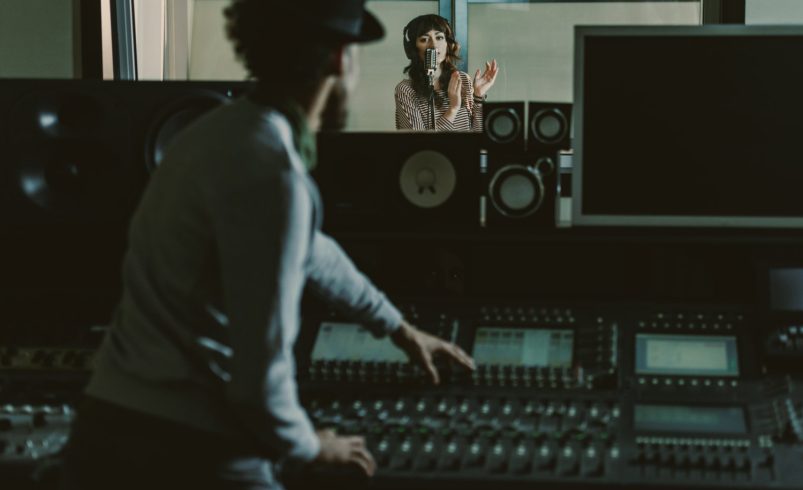
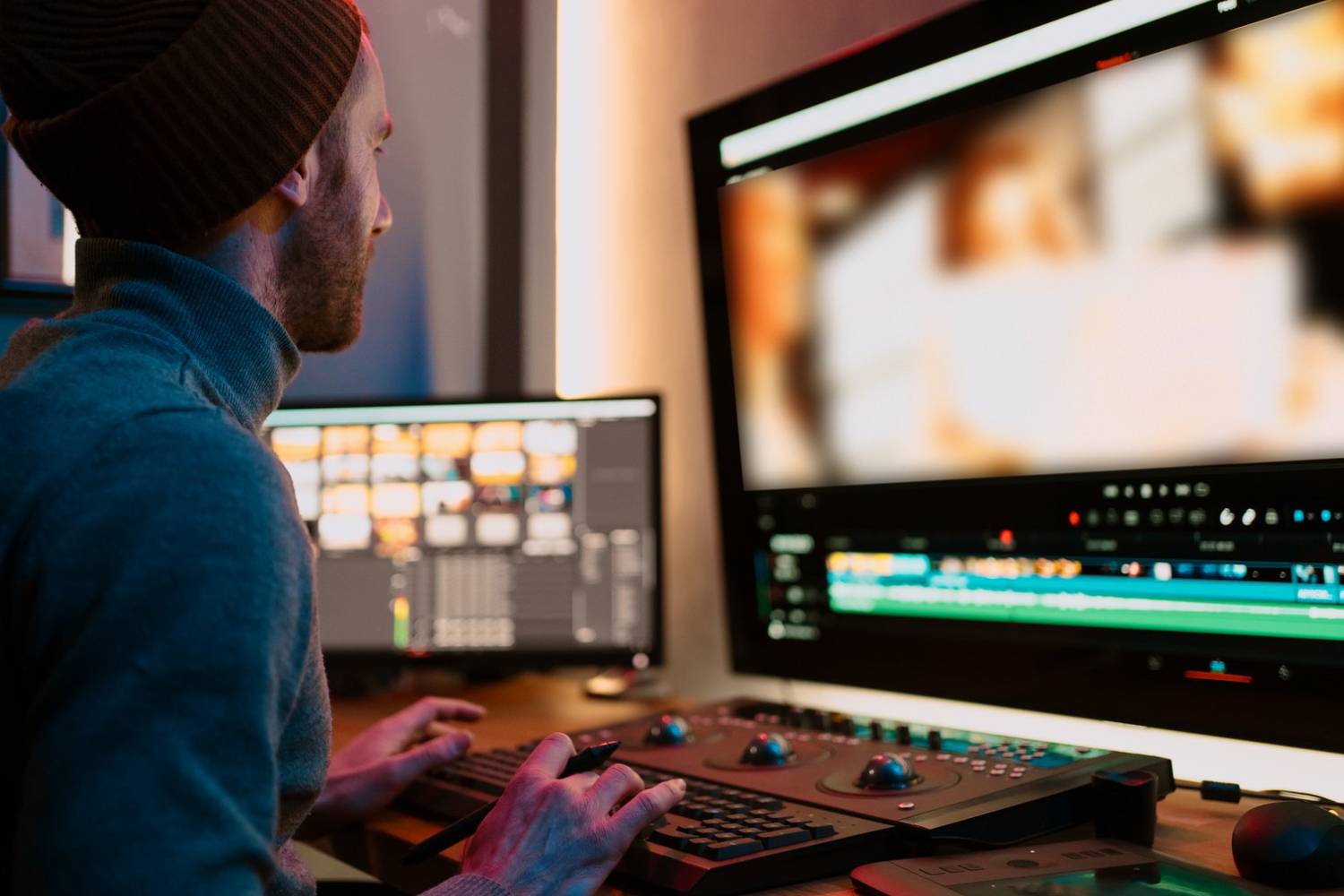
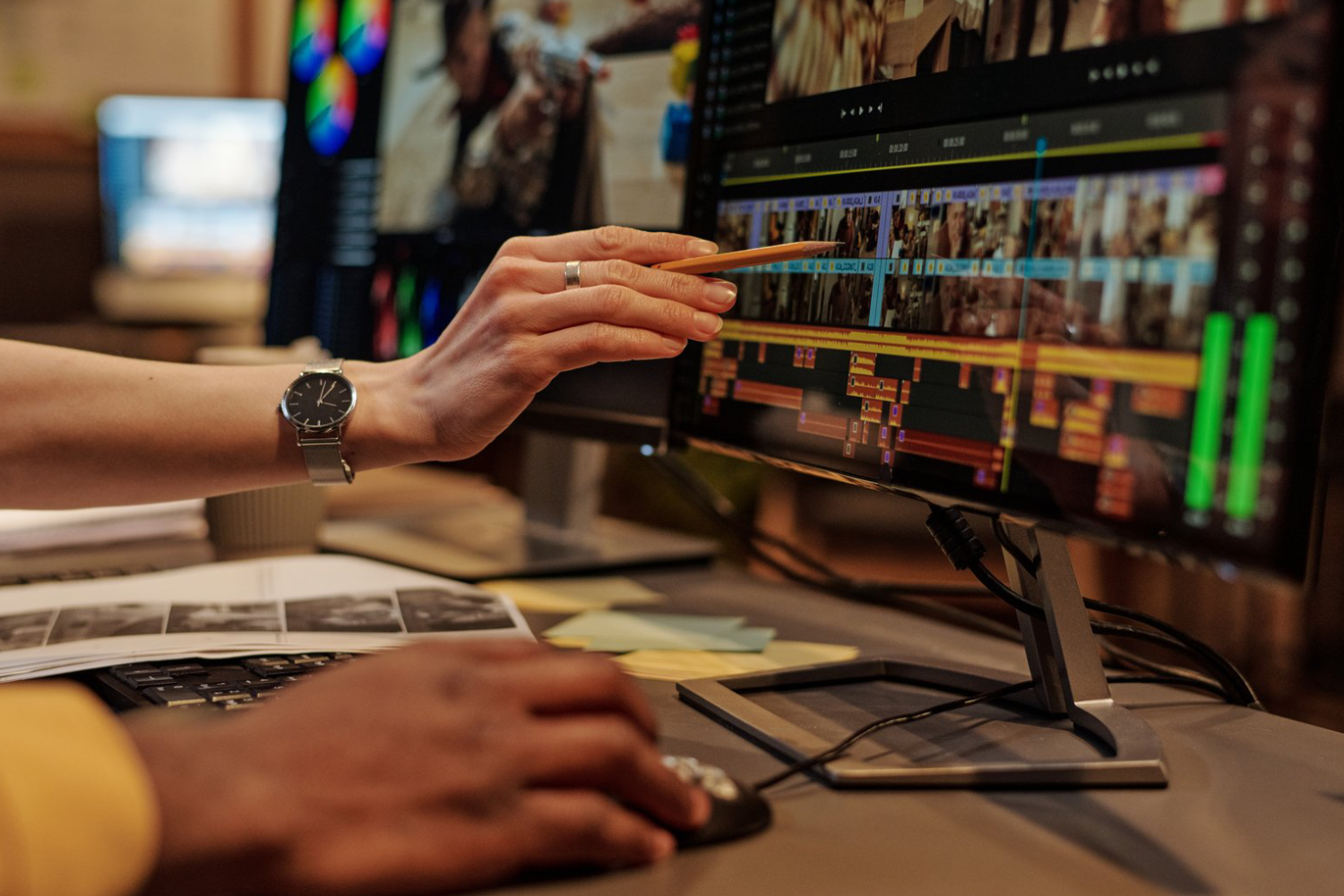
Audio is just as important as visuals in videography. Clear, balanced, and well-edited sound elevates your videos, making them more immersive and professional. Poor audio can distract viewers, even if the visuals are stunning. This guide walks you through step-by-step audio editing for videographers, helping you create videos with cinematic sound quality.
1. Import and Organize Audio Files
- Start by importing all audio assets into your editing software.
- Organize tracks by type: dialogue, music, ambient sounds, and effects.
- Label tracks clearly for efficiency.
Example: For a Chicago travel vlog, separate street ambiance, voiceovers, and background music into distinct tracks for easy editing.
2. Clean Up Dialogue and Voiceovers
- Remove background noise using noise reduction plugins.
- Cut unnecessary pauses or breaths.
- Normalize volume to maintain consistency.
Example: A Chicago café interview benefits from removing hums and background chatter for crystal-clear dialogue.
3. Synchronize Audio with Video
- Align dialogue, sound effects, and music accurately with visuals.
- Use markers or waveform visualization to match key moments.
Example: Syncing footsteps or street sounds with visuals of Chicago streets enhances realism.
4. Adjust Levels and Balance
- Ensure dialogue, music, and effects are balanced.
- Use volume automation to highlight important moments.
- Avoid clipping or distortion.
Example: Lower background music during an interview in Chicago so the speaker is clearly heard.
5. Add Ambient Sound and Effects
- Enhance realism by layering natural sound effects.
- Subtle foley sounds add depth without overpowering visuals.
Example: Include faint street traffic or birds in Lincoln Park to make outdoor footage immersive.
6. Apply EQ and Compression
- Use EQ to remove unwanted frequencies and enhance clarity.
- Compression evens out volume fluctuations for a professional sound.
Example: Apply light compression on a voiceover to maintain consistent volume while keeping it natural.
7. Review in Context
- Listen to the full video with all audio layers active.
- Check on headphones and speakers to ensure clarity across devices.
Example: Reviewing a Chicago food tour video ensures dialogue, background ambiance, and music work harmoniously.
8. Export Settings for Audio
- Export in high-quality formats (WAV, AIFF) if further editing is planned.
- Use compressed formats (MP3, AAC) for online platforms while maintaining clarity.
Example: Export a Chicago documentary with WAV files for archiving and MP3 for YouTube distribution.
Conclusion
Audio editing is crucial for professional videography. By organizing tracks, cleaning dialogue, balancing levels, syncing with visuals, adding ambient sounds, applying EQ and compression, and reviewing carefully, you can create videos with immersive, high-quality sound. Whether capturing Chicago’s streets, interviews, or cinematic scenes, proper audio editing ensures your videos engage viewers both visually and sonically.