Best Video Editing Software for Beginners and Pros
- April 6, 2026
- 0
Video editing is where your footage transforms into a polished, engaging story. Choosing the right editing software can make the difference between a basic cut and a cinematic





Video editing is where your footage transforms into a polished, engaging story. Choosing the right editing software can make the difference between a basic cut and a cinematic
Video editing is where your footage transforms into a polished, engaging story. Choosing the right editing software can make the difference between a basic cut and a cinematic masterpiece. Today’s videographers, whether beginners or professionals, have access to a range of software tools that cater to different skill levels, project types, and budgets.
Whether you’re creating content in Chicago’s urban landscape, studios, or outdoor locations, the right software ensures smooth workflow, creative flexibility, and professional results.
Best For: Professionals and intermediate users
Adobe Premiere Pro is an industry-standard video editor used by professionals worldwide. It offers advanced features, seamless integration with other Adobe tools, and robust post-production capabilities.
Key Features:
Example: Editing a Chicago skyline timelapse with Premiere Pro allows precise color grading to enhance golden hour tones.
Best For: Mac users and professional filmmakers
Final Cut Pro provides fast rendering, intuitive interface, and powerful post-production features. Ideal for cinematic projects or high-volume editing.
Key Features:
Example: A music video shot in Chicago’s Grant Park benefits from Final Cut Pro’s smooth timeline and color grading capabilities.
Best For: Color grading and high-end editing
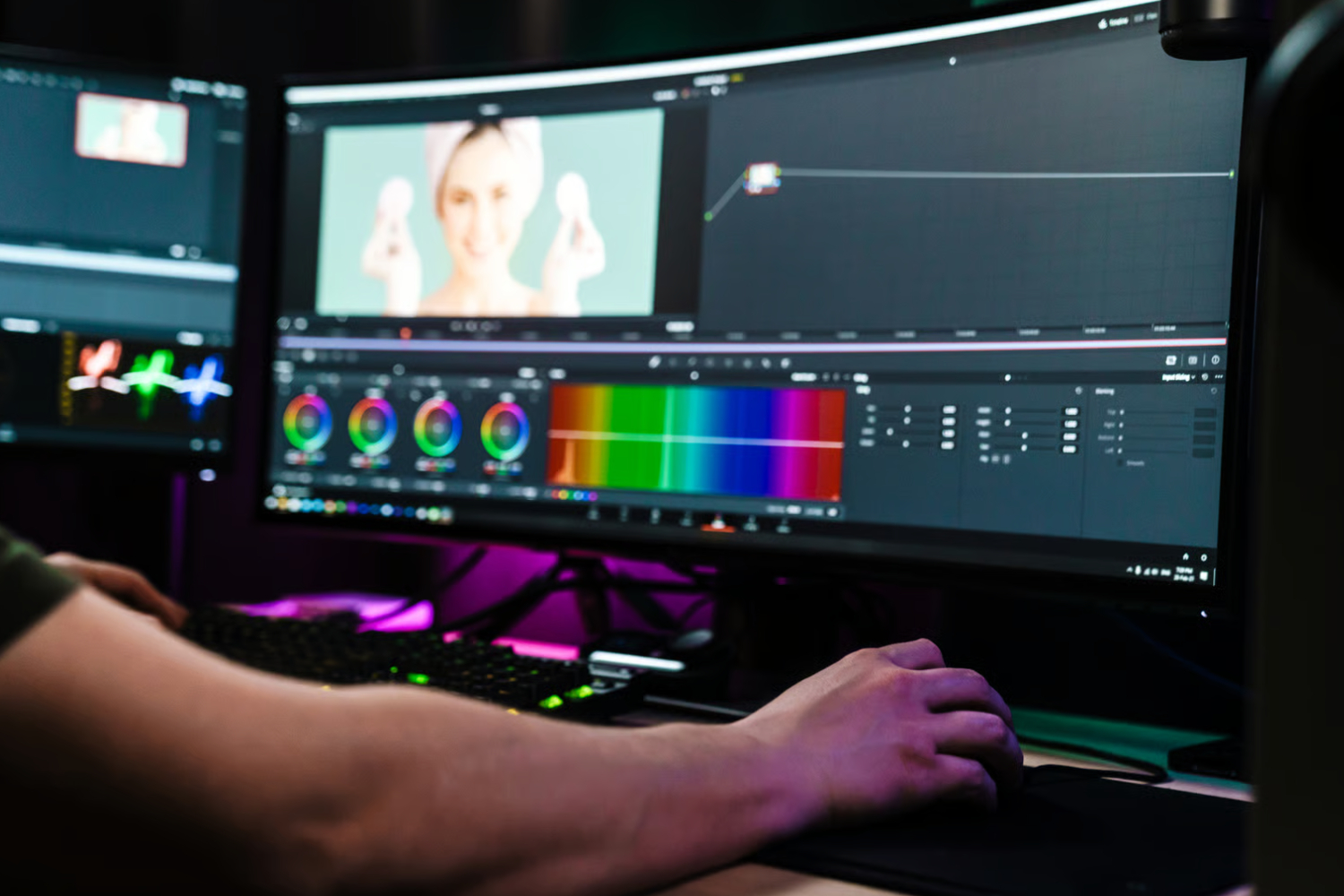
DaVinci Resolve combines professional editing with industry-leading color correction tools. It’s perfect for filmmakers who want precise control over visuals.
Key Features:
Example: Editing an interview at a Chicago café with DaVinci Resolve allows for perfect skin tones and balanced audio levels.
Best For: Beginners and hobbyists
Premiere Elements is a simplified version of Premiere Pro, designed for newcomers who want an easy-to-use yet powerful editor.
Key Features:
Example: A family vlog filmed around Chicago neighborhoods can be edited efficiently using guided effects in Premiere Elements.
Best For: Casual Mac users and beginner editors
iMovie offers an accessible interface with essential editing tools. It’s ideal for simple projects, social media videos, or learning the basics of editing.
Key Features:
Example: A travel vlog around Chicago’s museums can be quickly edited with iMovie for YouTube or social media.
Best For: Beginners seeking advanced effects without complexity
Filmora balances ease of use with professional-looking features. It’s perfect for small businesses, vloggers, and hobbyists.
Key Features:
Example: Editing a Chicago food tour video with Filmora allows adding animated titles, music, and filters without technical complexity.
Best For: Beginners interested in VFX
HitFilm Express is a free editor with integrated visual effects capabilities. Great for filmmakers experimenting with compositing and advanced editing.
Key Features:
Example: A short action scene filmed in Chicago streets can incorporate visual effects directly in HitFilm Express.
Selecting the best video editing software depends on your goals, skill level, and project complexity. Beginners may prefer iMovie, Filmora, or Premiere Elements for simplicity, while professionals benefit from Premiere Pro, Final Cut Pro, or DaVinci Resolve for advanced features. Even free tools like DaVinci Resolve and HitFilm Express offer robust capabilities. By understanding each software’s strengths, you can streamline your workflow, enhance creativity, and produce visually stunning, professional-quality videos.