Mixing and Syncing Audio Like a Pro
- April 6, 2026
- 0
High-quality video is nothing without well-mixed, perfectly synced audio. Even visually stunning footage can feel unprofessional if the sound is uneven, out of sync, or cluttered with noise.




High-quality video is nothing without well-mixed, perfectly synced audio. Even visually stunning footage can feel unprofessional if the sound is uneven, out of sync, or cluttered with noise.
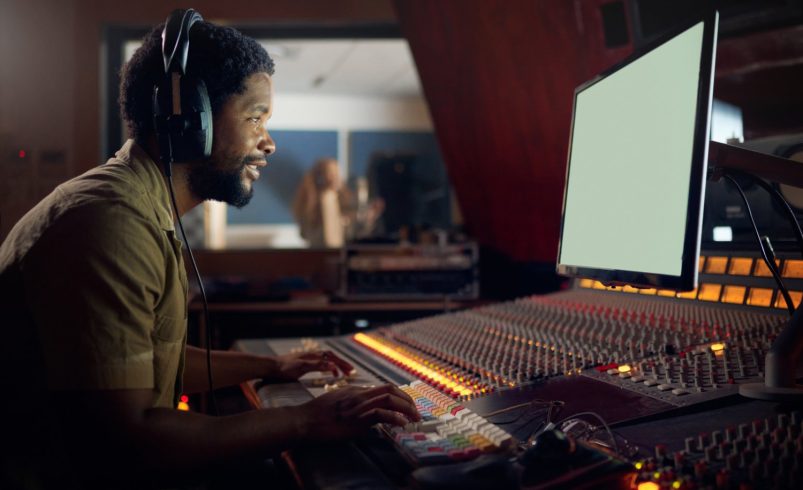
High-quality video is nothing without well-mixed, perfectly synced audio. Even visually stunning footage can feel unprofessional if the sound is uneven, out of sync, or cluttered with noise. Learning to mix and sync audio properly ensures clarity, consistency, and an immersive experience for your audience.
Whether you’re editing interviews, vlogs, or cinematic projects filmed in Chicago studios, streets, or parks, mastering audio mixing and syncing elevates your videography from amateur to professional.
Most modern video projects involve multiple audio sources:
Tip: Always organize audio tracks in your editing software for easier control.
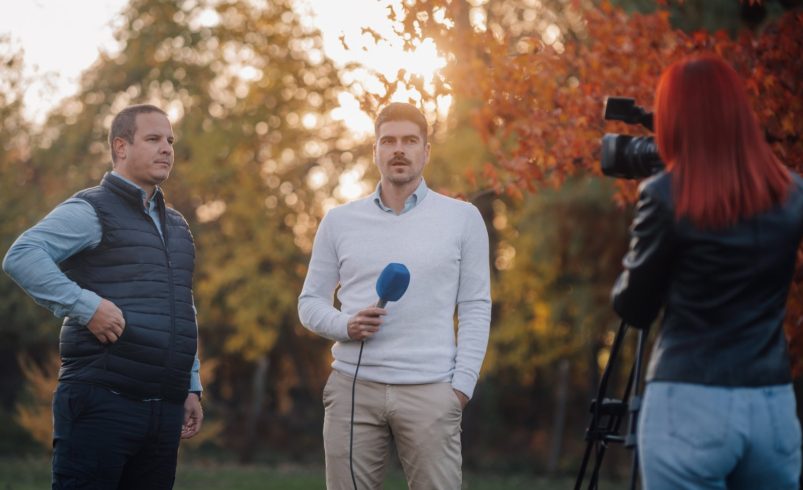
Example: Editing a Chicago food vlog might include camera audio for sync, a lav mic for voice, and ambient café noise.
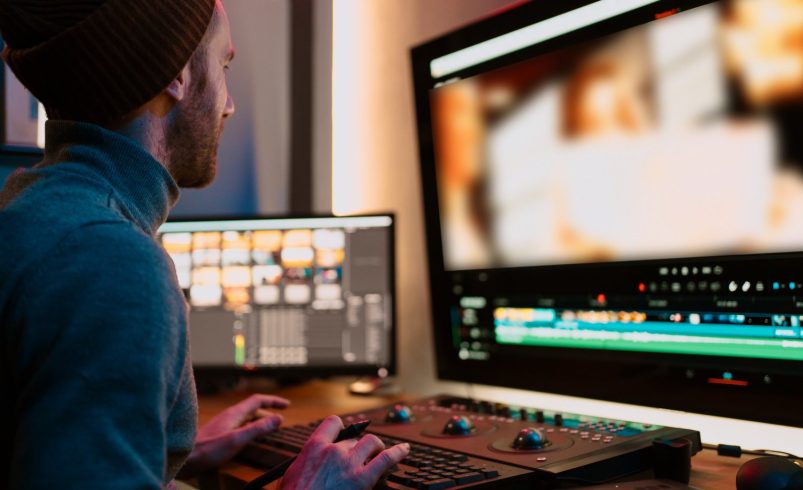
Correctly aligning audio with video is crucial:
Example: An interview at Millennium Park uses a clap to sync the external lav mic with the camera footage seamlessly.
Mixing involves adjusting audio levels to ensure clarity:
Example: A Chicago street performance video balances instrument levels with the performer’s voice so both are clearly audible.
EQ allows you to enhance clarity and remove unwanted frequencies:
Example: EQ adjustments make a vlog recorded on Chicago streets sound cleaner, minimizing traffic and wind interference.
Ambient noise can distract viewers:
Example: Post-production clean-up turns an outdoor cooking session in Lincoln Park into crystal-clear audio while retaining natural ambiance.
For cinematic projects, placing sounds spatially improves immersion:
Example: Recording a Chicago cityscape allows passing car sounds to move across the stereo field, creating a sense of space.
Compression balances audio dynamics:
Example: A multi-speaker panel discussion in a Chicago conference room benefits from compression to keep all voices audible.
Before exporting:
Example: Reviewing a travel vlog ensures that street sounds, dialogue, and music align perfectly with Chicago visuals.
Mixing and syncing audio is a critical step in professional videography. By organizing tracks, aligning audio with video, balancing levels, applying EQ, and cleaning up noise, you ensure that your footage sounds as good as it looks. Mastering these skills, whether in Chicago studios, streets, or parks, produces polished, immersive videos that engage viewers and elevate your storytelling. Proper audio mixing and syncing transforms ordinary recordings into cinematic, professional-quality content.