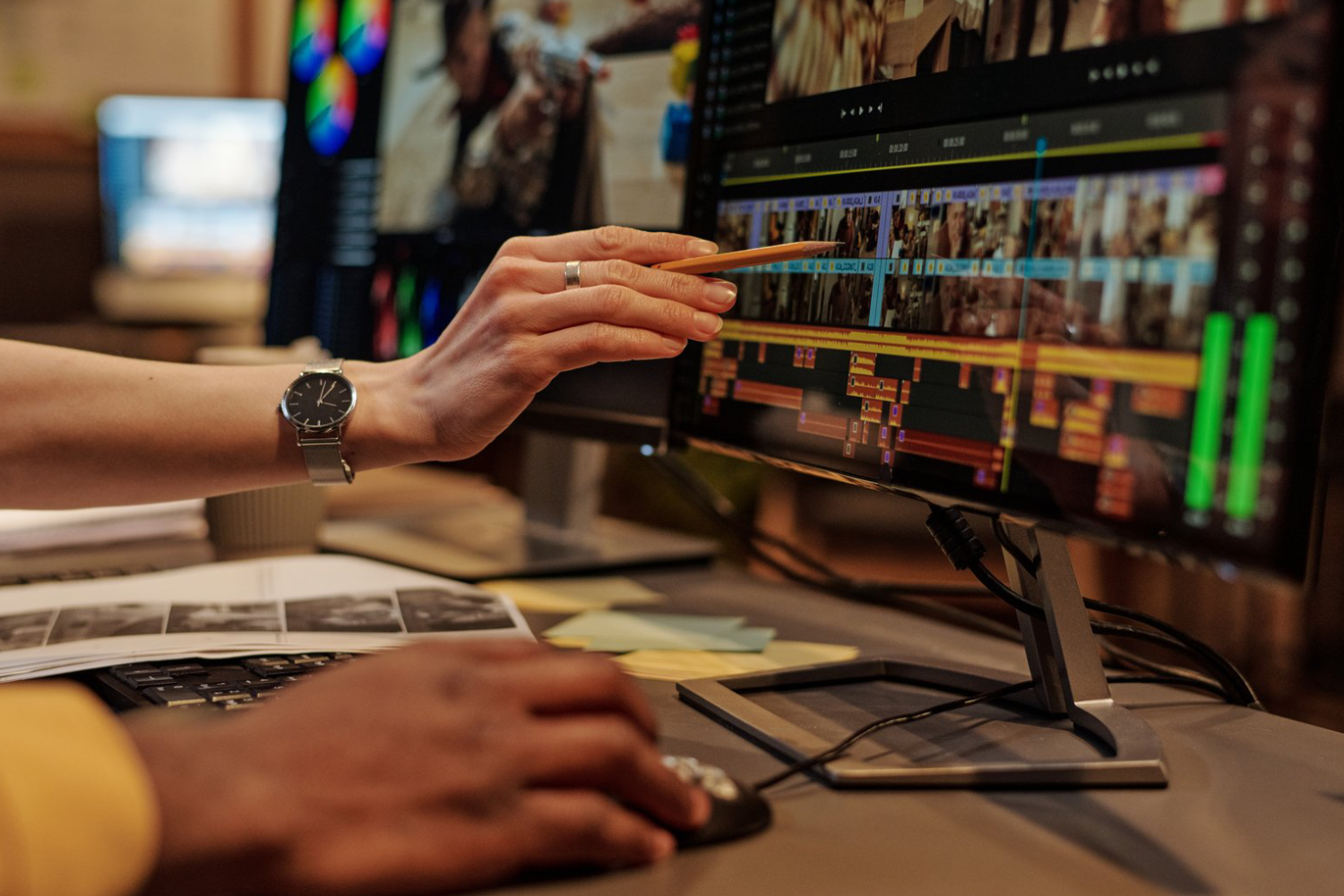
Choosing between free and paid video editing tools is a critical decision for videographers. Both options have advantages and limitations, and understanding them ensures you pick the best solution for your skill level, project needs, and budget. Whether you’re producing cinematic videos in Chicago, social media content, or corporate projects, the right editing software can streamline your workflow and elevate the final product.
1. Free Video Editing Tools
Free software options are ideal for beginners, hobbyists, or small-scale projects. Popular tools include iMovie, DaVinci Resolve (free version), HitFilm Express, and Lightworks Free.
Pros:
- No Cost: Great for those just starting out or on a tight budget.
- Learning Opportunities: Many free tools offer tutorials and guides for beginners.
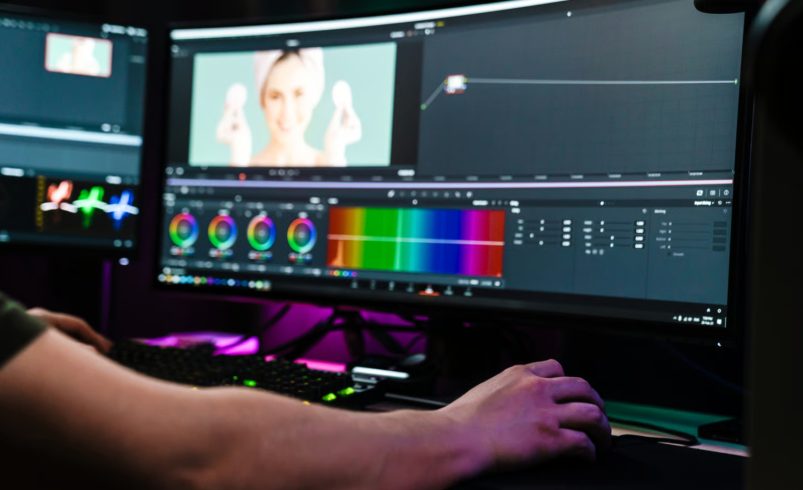
- Surprisingly Robust: Some free software (like DaVinci Resolve) provides professional-level editing, color grading, and audio mixing features.
Cons:
- Limited Features: Advanced tools like multi-cam editing or certain effects may be restricted.
- Watermarks: Some free tools may add watermarks unless you upgrade.
- Less Support: Limited customer service and slower updates compared to paid software.
Example: A Chicago-based student creating a YouTube vlog can use iMovie to learn basic editing techniques without any cost.
2. Paid Video Editing Tools
Paid software options include Adobe Premiere Pro, Final Cut Pro, Filmora, and Vegas Pro.
Pros:
- Advanced Features: Access to professional effects, VFX, color grading, and multi-track editing.
- Regular Updates: Paid software usually receives frequent updates with new features.
- Professional Support: Technical support, tutorials, and community forums.
- No Watermarks: Final outputs are clean and fully commercial-ready.
Cons:
- Cost: Monthly subscriptions or one-time fees can be expensive.
- Steeper Learning Curve: Advanced tools may overwhelm beginners.
- System Requirements: Some paid software requires high-performance computers.
Example: Editing a commercial video for a Chicago-based restaurant with Premiere Pro allows full creative control, advanced color grading, and professional audio mixing.
3. Choosing Based on Project Needs
- Casual Content / Social Media: Free tools like Filmora or HitFilm Express may suffice.
- Professional / Commercial Projects: Paid tools like Premiere Pro or Final Cut Pro are preferable for high-quality output.
- Learning & Experimentation: Start with free tools to practice before investing in paid software.
Example: A small Chicago startup producing promo videos may begin with DaVinci Resolve free version, then upgrade to Premiere Pro as their projects grow in complexity.
4. Hybrid Approach
Some creators use a combination of free and paid tools:
- Edit basic footage in free software, then export to paid software for advanced finishing.
- Use free tools for quick social media content and paid software for cinematic or commercial projects.
Example: A travel vlogger films Chicago landmarks and edits rough cuts in iMovie, then uses DaVinci Resolve Studio for color grading and final export.
Conclusion
Free video editing tools provide accessibility, cost savings, and learning opportunities, making them ideal for beginners and small projects. Paid tools offer professional features, regular updates, and robust support for advanced editing, commercial content, and cinematic production. Choosing between free and paid software depends on your skill level, project requirements, and budget. Many videographers benefit from starting with free tools and gradually transitioning to paid software as their projects and skills evolve, ensuring they achieve high-quality, polished videos efficiently.