Essential Audio Tips for Beginner Videographers
- April 8, 2026
- 0
While great visuals attract viewers, clear audio keeps them engaged. For beginner videographers in Chicago, improving audio quality is one of the fastest ways to make videos feel




While great visuals attract viewers, clear audio keeps them engaged. For beginner videographers in Chicago, improving audio quality is one of the fastest ways to make videos feel
While great visuals attract viewers, clear audio keeps them engaged. For beginner videographers in Chicago, improving audio quality is one of the fastest ways to make videos feel professional.
This guide covers essential audio tips to help you capture clean, high-quality sound.
Audio is just as important as video:
Never overlook sound when filming.
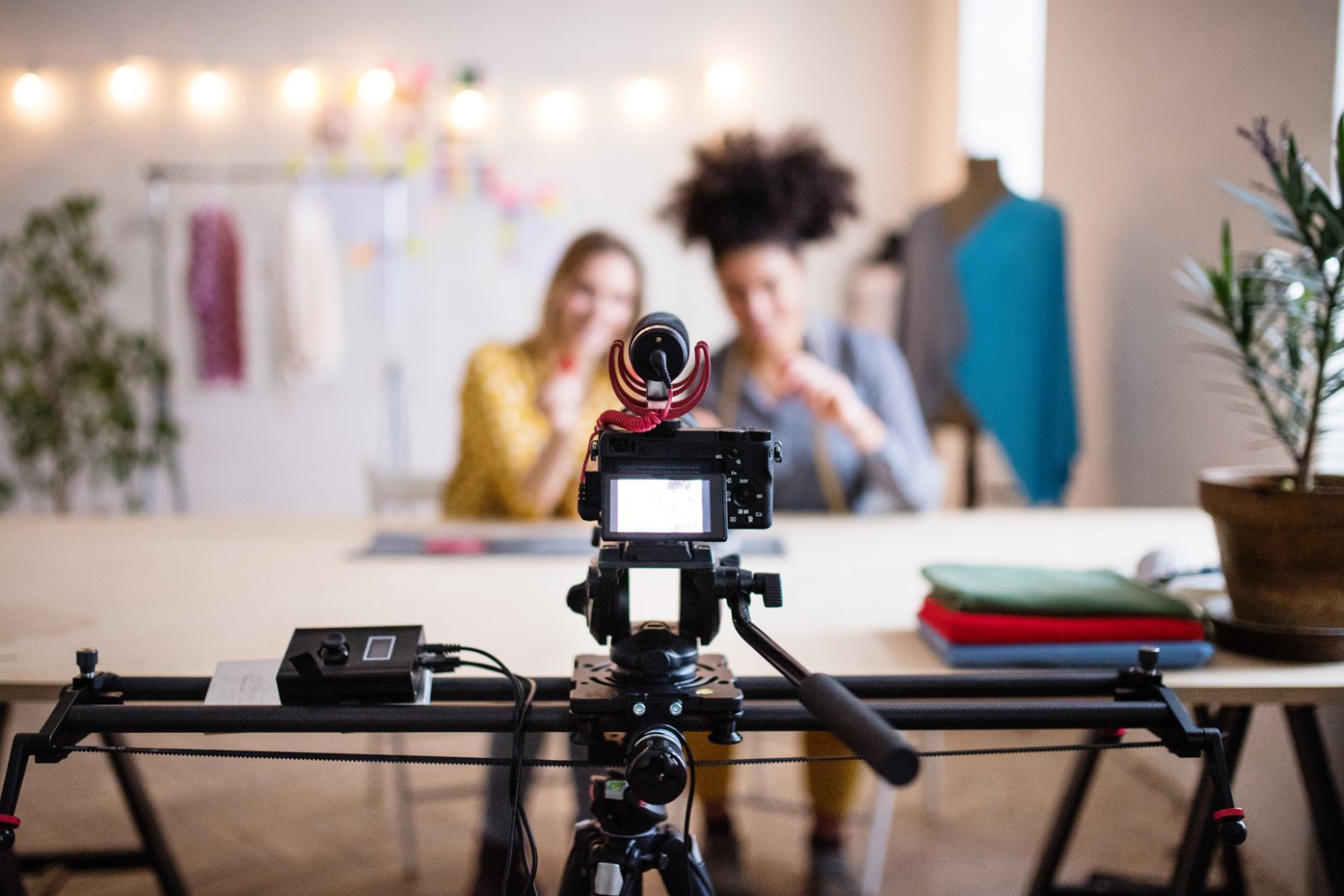
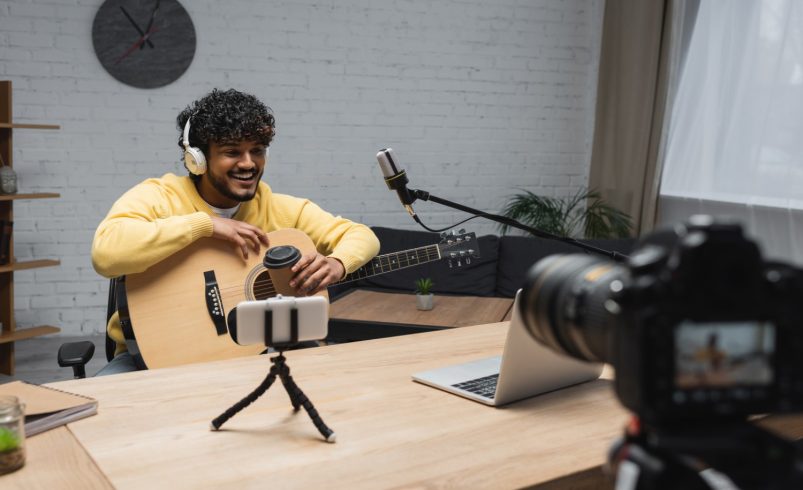
Built-in camera microphones are limited:
External microphones significantly improve audio clarity.
Distance affects sound quality:
Closer microphones capture clearer, more focused audio.
Always check your sound in real time:
Monitoring helps prevent unusable recordings.
Control your environment for better sound:
Cleaner environments lead to better recordings.
Outdoor shooting presents challenges:
Managing environmental noise is key for outdoor shoots.
Capture ambient sound for editing:
Room tone improves post-production quality.
Distorted audio cannot be fixed easily:
Clean audio levels ensure professional results.
If using separate audio devices:
Proper syncing ensures a seamless final video.
Post-production improves sound quality:
Editing refines your audio for a polished finish.
High-quality audio is essential for professional videography. By using external microphones, controlling your environment, monitoring sound, and editing carefully, beginners in Chicago can dramatically improve their video quality.
Strong audio, combined with good visuals, creates a complete and engaging viewing experience that keeps audiences coming back.